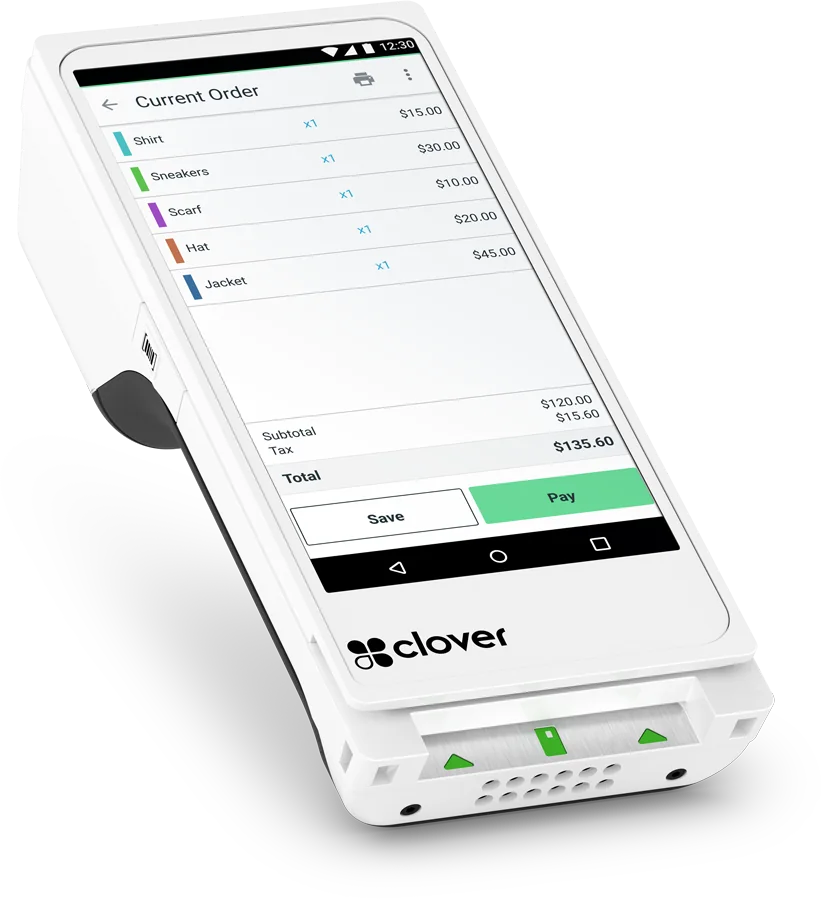
Order a POS online
Order your POS online.
Pick Clover, Exatouch, or TableTurn, build your setup, and place the order in a few minutes. Nothing is charged today.
What happens after you order
Your order moves through four steps, and you can follow each one in your Evident account.
1
Set up your account
We email you a link to set your password. Your order and its checklist are waiting inside.
2
Apply and sign
Complete the merchant application, sign the merchant agreement, and upload your menu or item list.
3
Approval and shipping
Once approved, your equipment is ordered and ships. That's when the one-time amounts are billed.
4
Install and go live
We program your menu or inventory, install, and train your team. Local support after that.