
How can we help today?
Reach your local office or get support for the product you use every day. Most systems offer live support 24/7, even when we're closed.
Get support for your point of sale system
Tap your product for direct contact info.
Get support for your card reader
Tap your device for direct contact info.
Get help with your digital signage
Quick fixes for screens and menu boards, and how to reach us.
Quick fixes you can try right now
Seven things that solve most calls in a minute. If one does not, call us and we take it from there.
It is the internet, not the card. Check that the terminal's network cable is clicked in at both ends, or that it still shows Wi-Fi bars. Unplug the router for 30 seconds, plug it back in, wait two minutes, and run the sale again. A wireless terminal that lost its cellular signal usually comes back when you move it closer to a window.
Hold the power button until the menu appears and choose Restart. If the screen does not respond, hold the power button for about ten seconds until it goes dark, wait a few seconds, then press it once to start. Open orders are saved.
Dejavoo: press the OK key for the menu, choose Settlement, then Settle, and confirm. The terminal prints a settlement report. Valor: open the menu, choose Settlement, and confirm. If your account is set to close automatically at the cutoff time, a missed manual close is not lost.
Clover, Square, TableTurn, Exatouch and Valor update their clocks on their own. On a Dejavoo, press OK for the menu, choose Utility, enter the manager password, then Settings and Date and Time. If you do not have the password, call us and we walk you through it.
Open the printer cover, drop the roll in so the paper feeds from underneath the roll toward you, pull a few inches past the cutter, and close the cover until it clicks. If the receipt prints blank, the roll is in backwards: flip it.
Check that it has power and that its network cable is clicked in, then turn it off and on. Hold the feed button while powering on to print a self-test page. If the test page prints, the printer is fine and the POS needs a restart. If nothing prints, call us.
Charge it for 20 minutes, turn it off and on, and make sure Bluetooth is on and the register is within about ten feet. Pair it from the POS app, not from the tablet’s Bluetooth settings. Still stuck? Call us with the device name.
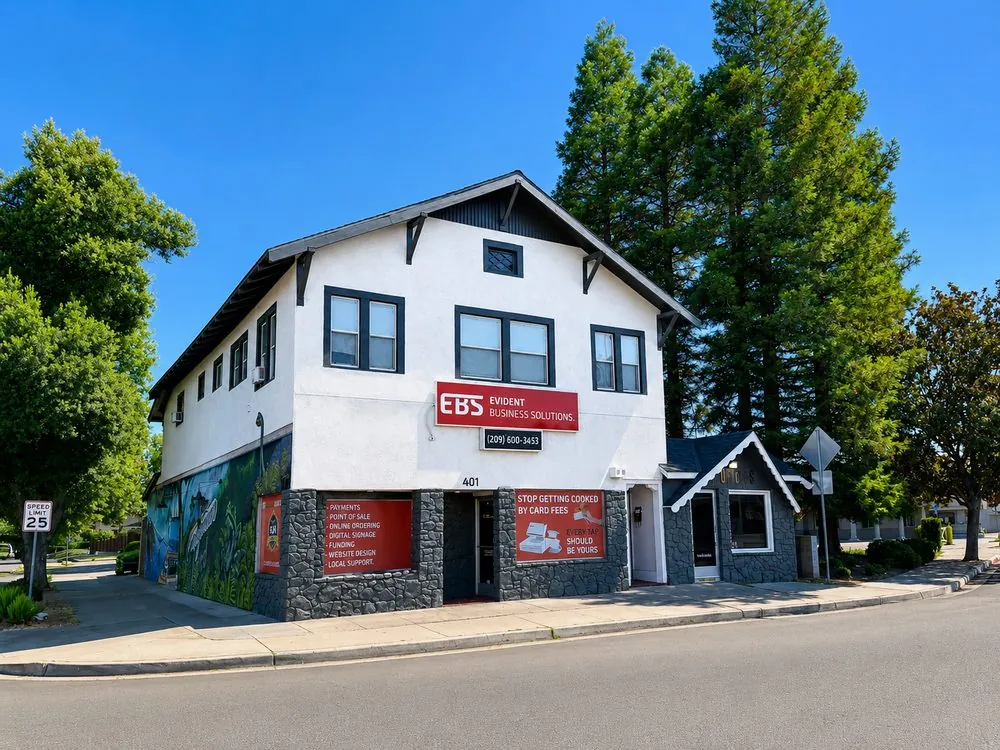
Visit or call one of our offices
Modesto is open Monday through Friday, 9am to 4pm Pacific. Sacramento and Sonora by appointment.
We route day-to-day product issues to the vendor's support line first, they can usually fix things faster over the phone. That leaves our onsite team ready for what remote support can't touch: network issues, hardware failures, equipment repairs, and anything else that needs hands-on help.

Sacramento
500 Capitol Mall, Ste 2350, Sacramento, CA 95814
By appointment
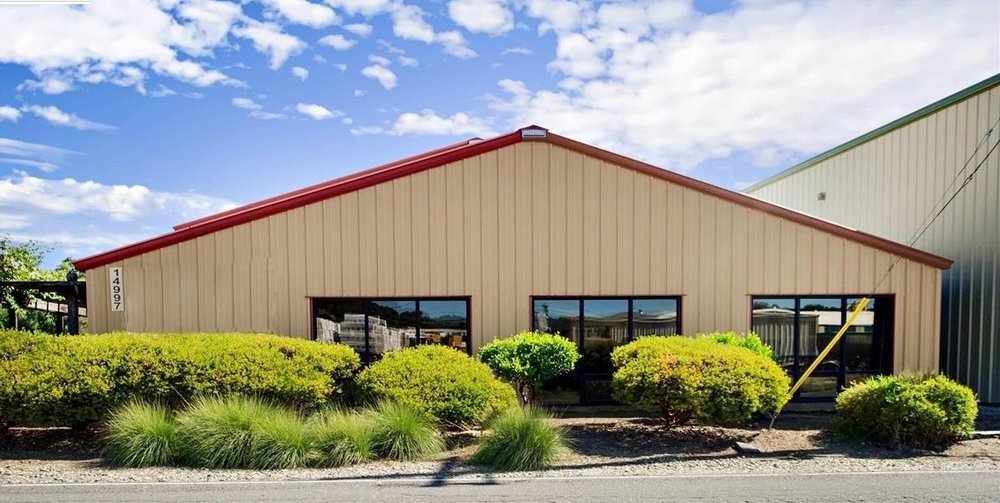
Sonora
14997 Camage Ave, Sonora, CA 95370
By appointment
Can't find what you need?
Submit a support request and our team will follow up.
Evident Business Solutions Support Center. All third-party product names, logos, and brands are property of their respective owners and are used for identification purposes only.
