
Let the line order itself.
Guests build their order, pay, and tip on their own screen. Your staff makes the food instead of taking orders.
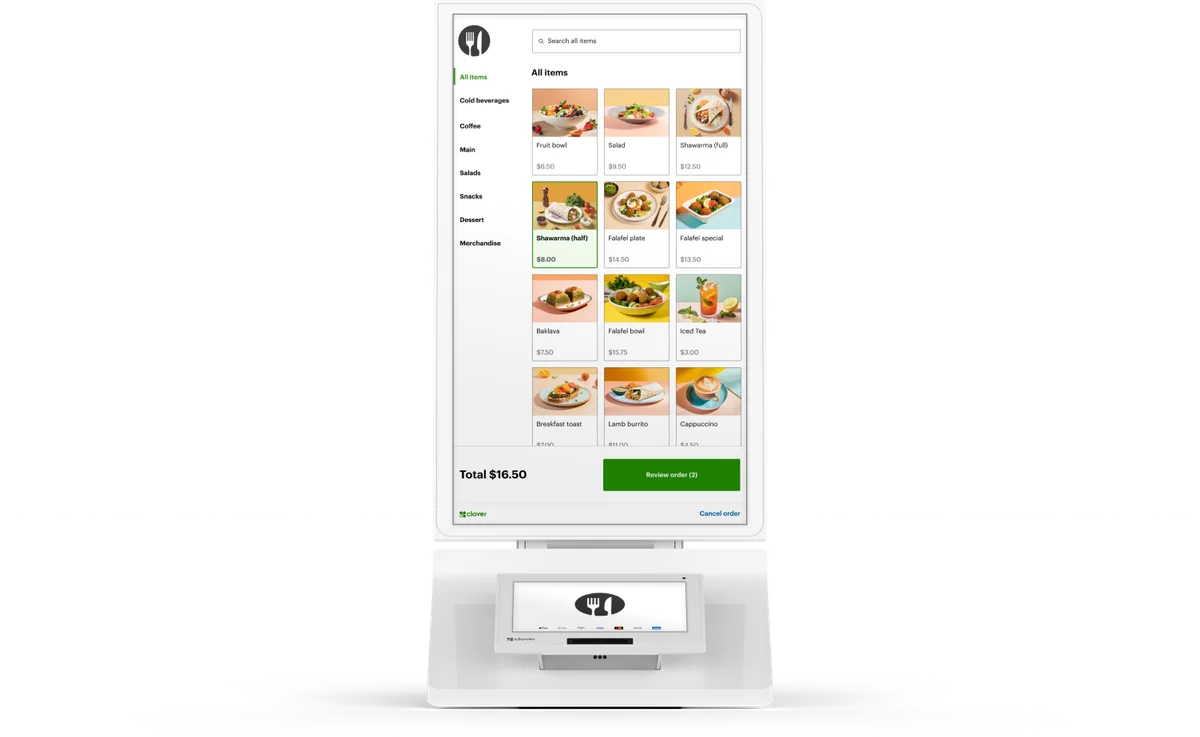
A second register that never needs a break
Guests order at their pace
No pressure at the counter, so they take time to look at the whole menu.
Pay and tip on screen
Card and tap-to-pay right at the kiosk. Cash stays at the counter.
Straight to the kitchen
Orders go to the same printer or kitchen display as the register's.
Every modifier, every time
Guests pick their own add-ons and sides, so the order matches what they wanted.
Shorter lines
Guests who know what they want don't wait behind the ones still reading the menu.
Counter or floor
Countertop or a floor stand, depending on the system and your space.
Kiosks on the systems we sell
The kiosk runs on your POS, so the menu, prices, and reports stay in one place.
Kiosk orders land best on a kitchen display.
Where kiosks earn their spot
Your menu, ready on day one
Pick the spot
Counter or floor stand, near the line and in reach of power and the network.
Build the menu
Photos, modifiers, and combos laid out for guests, not just for staff.
Connect the kitchen
Kiosk orders print or show on your kitchen display like any other order.
Kiosk questions
It takes the simple orders off the counter so your cashier can handle cash, questions, and the guests who'd rather order from a person. Most counters keep both.
Kiosks take cards and tap-to-pay. Guests paying cash order at the counter.
Clover, Square, or Aldelo for a kiosk. On TableTurn, QR ordering does the same job from the guest's phone. If you're switching systems, we set up the kiosk with everything else.
It depends on the system and how many kiosks you add. Each system's page has its equipment offer and terms. Anything outside an offer we sell at our cost, and we never lease equipment.
Yes. We set up the kiosk menu with your items, photos, and modifiers, and train your staff on install day.
See a kiosk take an order.
Book a demo, or call and tell us how your counter runs.